Doro PDF Writer is an application that helps you create PDF documents simply and is completely free. You may have noticed that when creating PDF files from documents or websites, opening the print menu can leave you confused about which option to select to get a standard PDF document. Well, Doro PDF Writer solves that problem for you.
PDF printer
At the core, Doro PDF Writer is a free virtual printer that users can use to print files into PDF format. Let's say you are using a word processor application like Google Docs or Microsoft Word. You often want to export the file to a PDF, or if you are browsing a web page that you need to have in a PDF file, Doro comes in handy and creates the file for you.
How to use it?
Using Doro PDF Writer is easy and straightforward. Simply click the "Print" button in your application's menu, or use the keyboard shortcut Ctrl+P to quickly access the print menu. Once you open the menu, you can select Doro PDF Writer in the Printer options. This launches the application with your file preloaded.
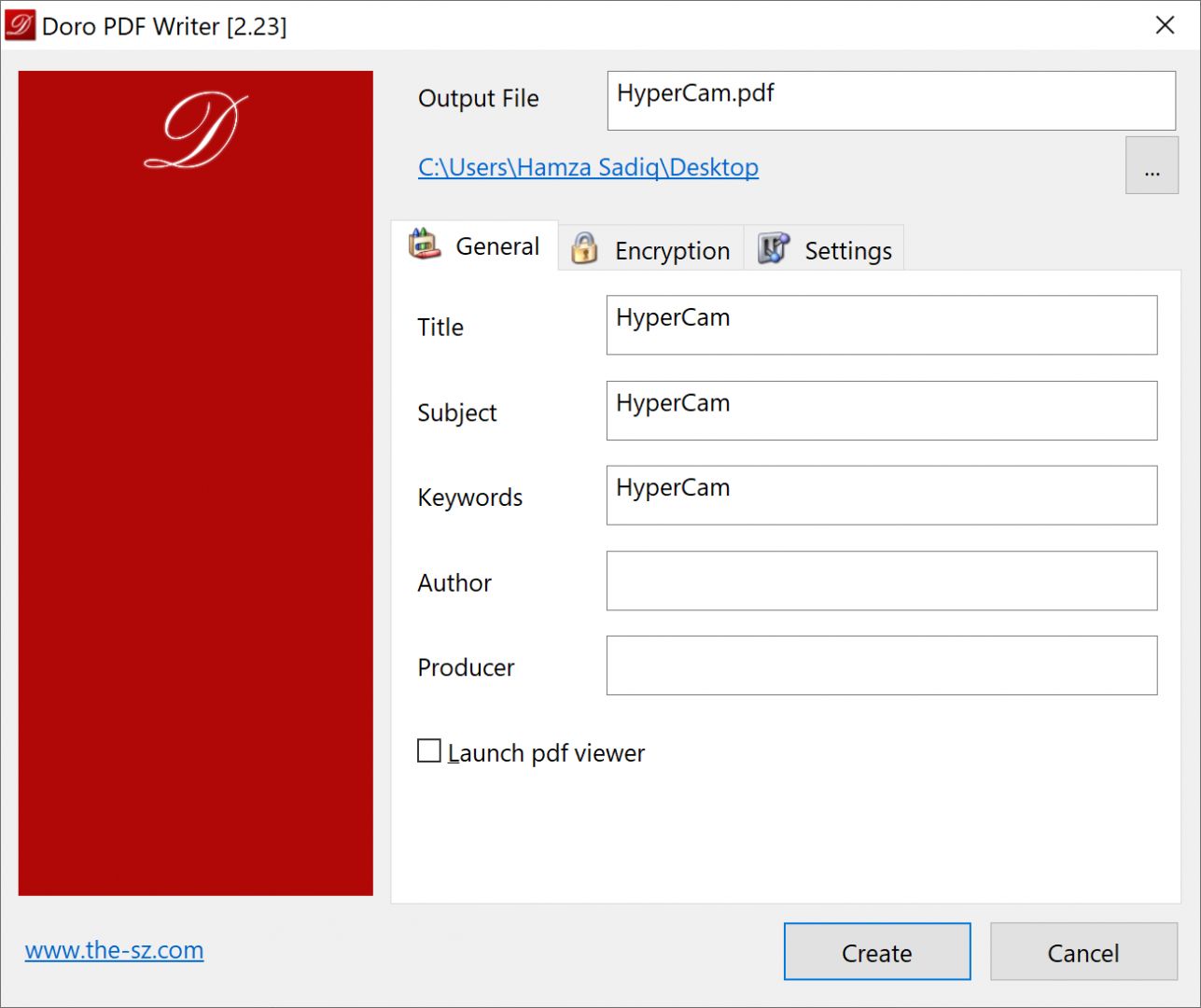
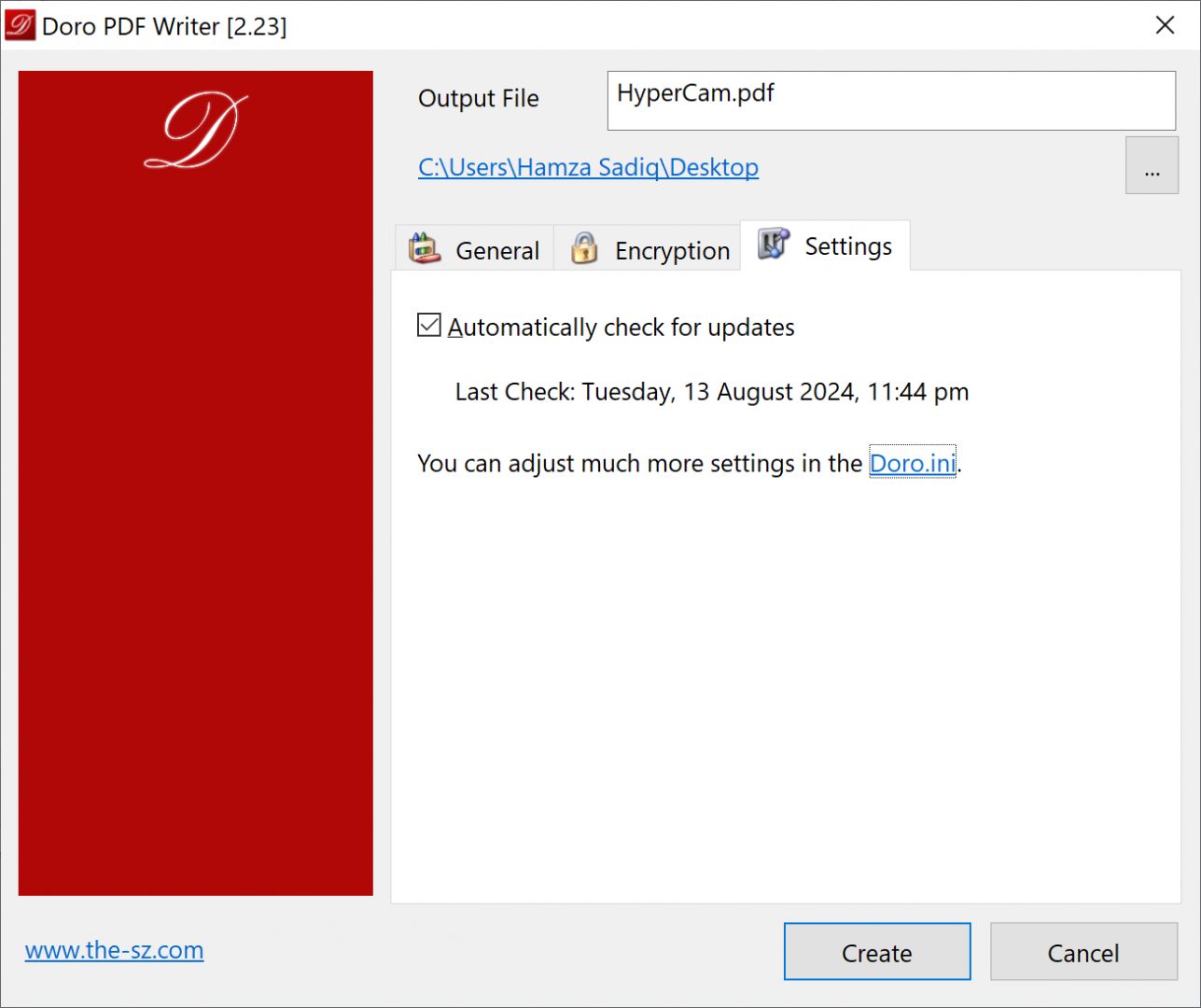
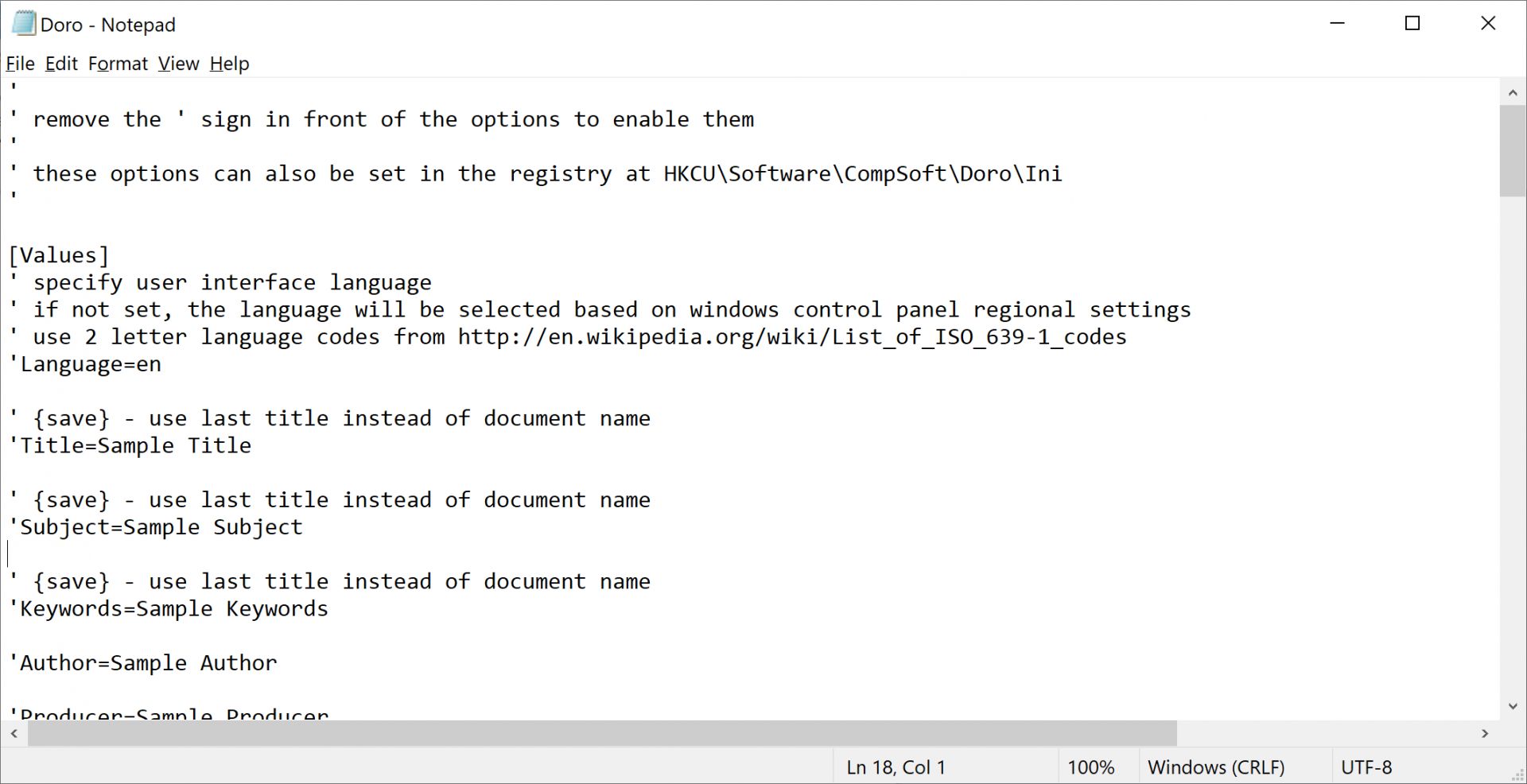
Then you can edit details of your destination PDF file such as title, subject, keywords, author, producer, and encryption settings. If you want to access advanced configurations, you can open and modify them within the .ini file.
This .ini file lets you edit and update any defaults and advanced settings.
Lightweight and lightning-fast
Doro PDF Writer is a very fast application. When you are printing files, it does not pause or lag at all. The reason behind this speed is that it acts strictly as a virtual printer, not a full word processor or PDF editor. It has no extra frills to slow it down.
Password-protect your important files
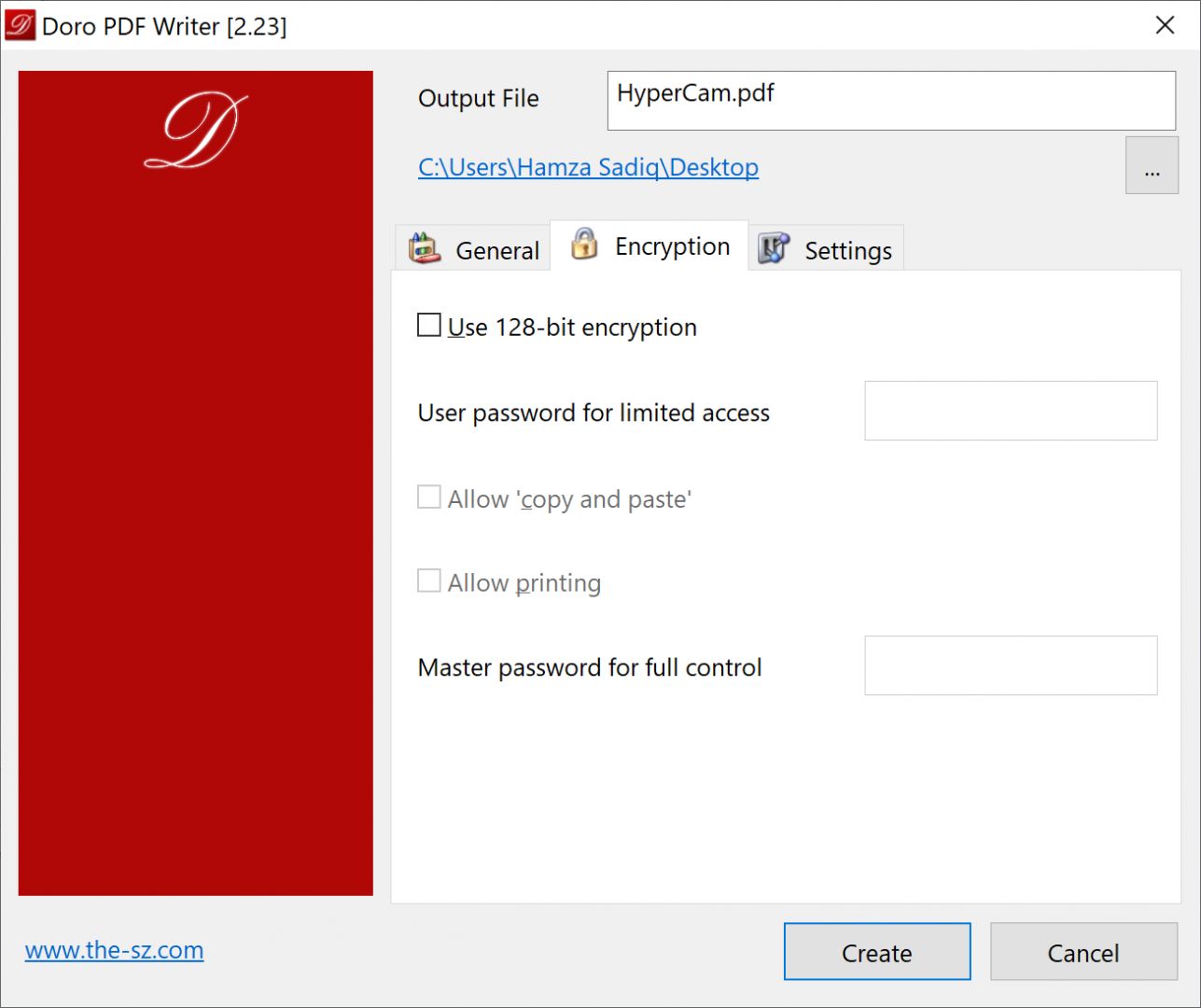
One essential feature for any PDF writer is the ability to password-protect files. Doro PDF Writer includes 128-bit encryption and goes one step further by offering the option for setting two passwords:
- Password for limited access (read-only, print, and copy-paste)
- Master password for full control
This is a unique feature that you can use to keep your files secure when you share them and ensure they don't end up in the wrong hands.
A secure, lightweight PDF creator
Doro PDF Writer is a simple yet effective PDF printing application that delivers on its promise. It includes excellent features like password protection, making it a reliable choice. Its lightweight design is an added bonus.